
How to Trade and Send Mailbox Gifts in Skibidi Astro Tower Defense
Trade units with another player or use Mailbox to send a one-way gift in Skibidi Astro Tower Defense.
Open Trade on the left side of the lobby, find a player by username, and select Trade. Accept or decline incoming requests. Units and unopened Scientist Crates can be traded; Mailbox sends Gems, Trait Shards, and units to players who have gift receiving enabled. Select Claim All to collect waiting gifts.
Choose an Exchange or a Gift
- Direct Trade: Find another player in the Trading list when you want to exchange units or an unopened Scientist Crate.
- Mailbox: Send Gems, Trait Shards, or a unit as a gift. The recipient can be offline, but must have gift receiving enabled.
Send or Respond to a Trade Request
- Open Trade from the left side of the lobby.
- Find the player in the Trading list or search for their username.
- Select Trade next to their name to send a request.
If you receive a request, select Accept to proceed or Decline to turn it down. Select History in the Trading window to review past trades.
Check the full unit name and the particular copy and form in an offer before agreeing. A Scientist Crate can be traded while unopened; opening it gives you a Scientist unit instead.
When asking for Brute, confirm the full name of the unit being offered. If you want Brute Prototype Titan, its recipe is under Upgrade > Craft; see the crafting recipes for its requirements.
Send Gifts, Claim All and Change Receiving
Open Mailbox to send another player Gems, Trait Shards, or a unit. The recipient must have gift receiving enabled; they can collect the gift after they return if they are offline.
To collect waiting gifts, open Mailbox and select Claim All. To stop receiving new gifts, turn off gift receiving in Mailbox.
Crates, Unit Values and Marketplace
- Scientist and Injured Crate rewards covers crate purchases and reward pools.
- Unit values helps you compare prices for comparable copies.
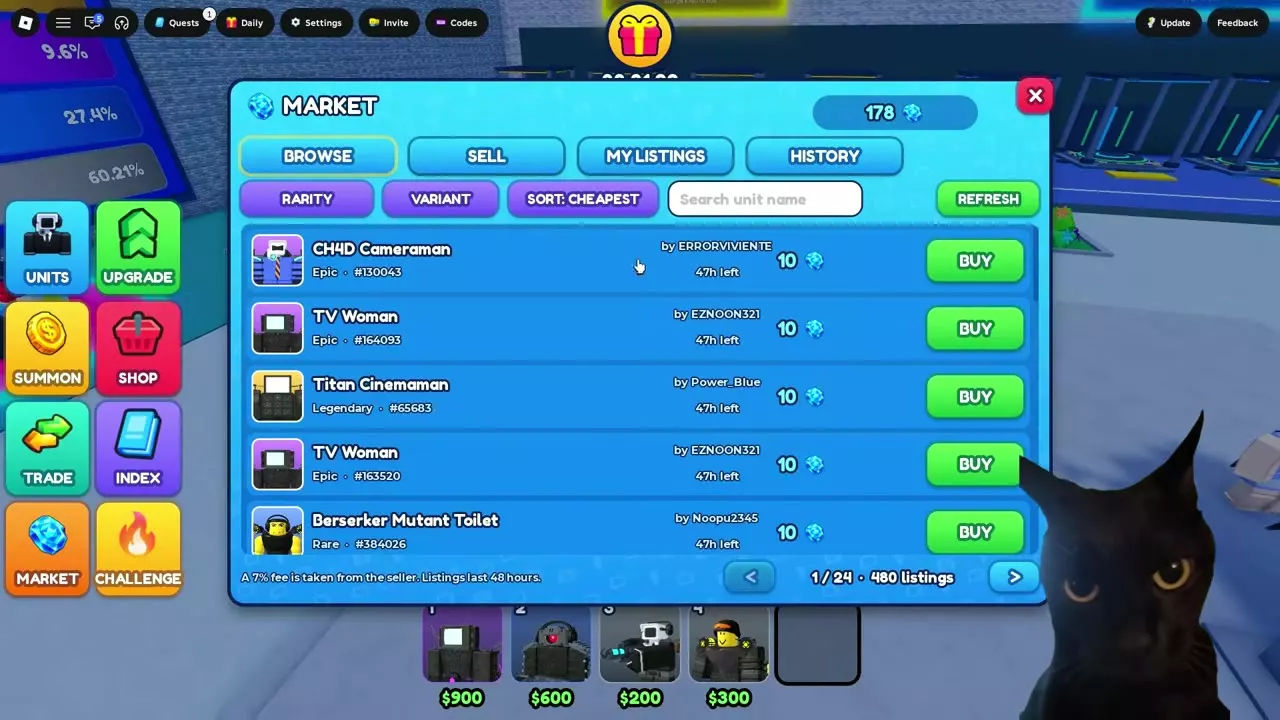
- Marketplace buying and selling explains public listings and seller fees.
- The unit list provides unit names, stats, and detail links.